Scan using Command Line
Generate scan commands using the user interface
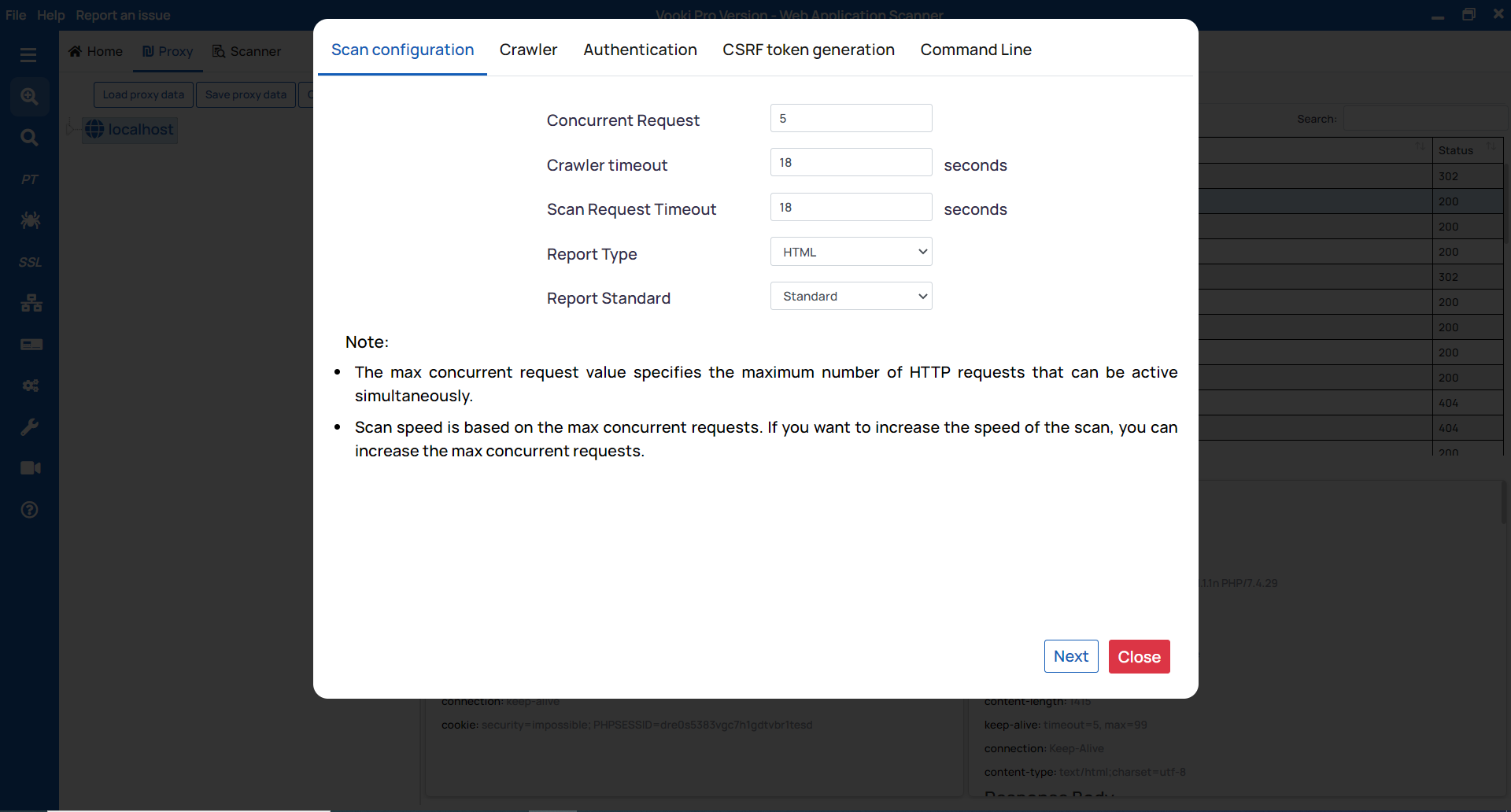
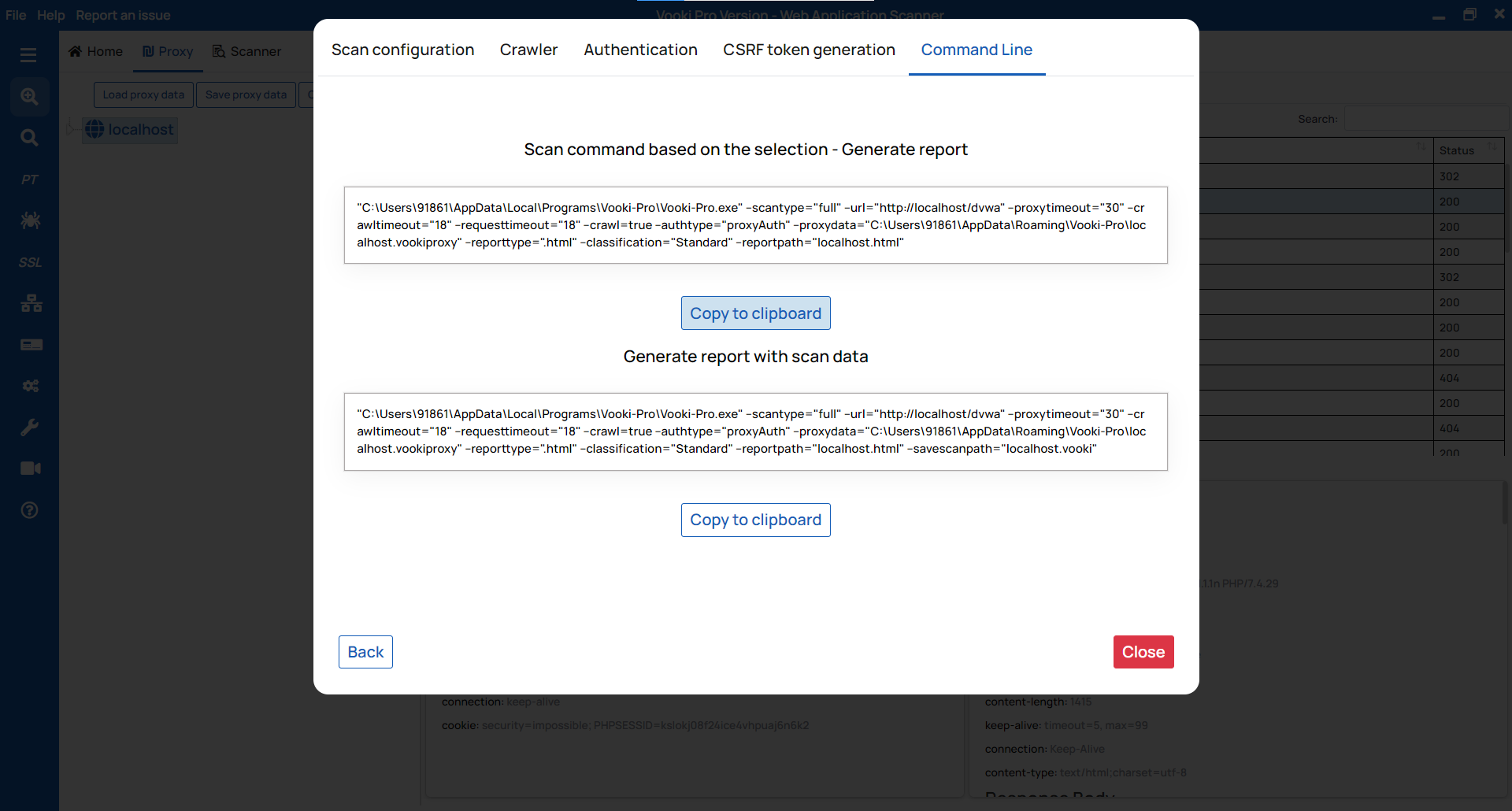
Generating the scan command is always a difficult task. To make this task easier, Vooki provides the user interface to generate the scan command based on your options. To generate the command, follow these steps:
After the crawling of pages is done, right-click on the left tree node (on your host) and click Command Line.

- Now select options based on your requirements.
- Copy the scan command generated based on your selection.
How to use?
To use the scan command, follow these steps:
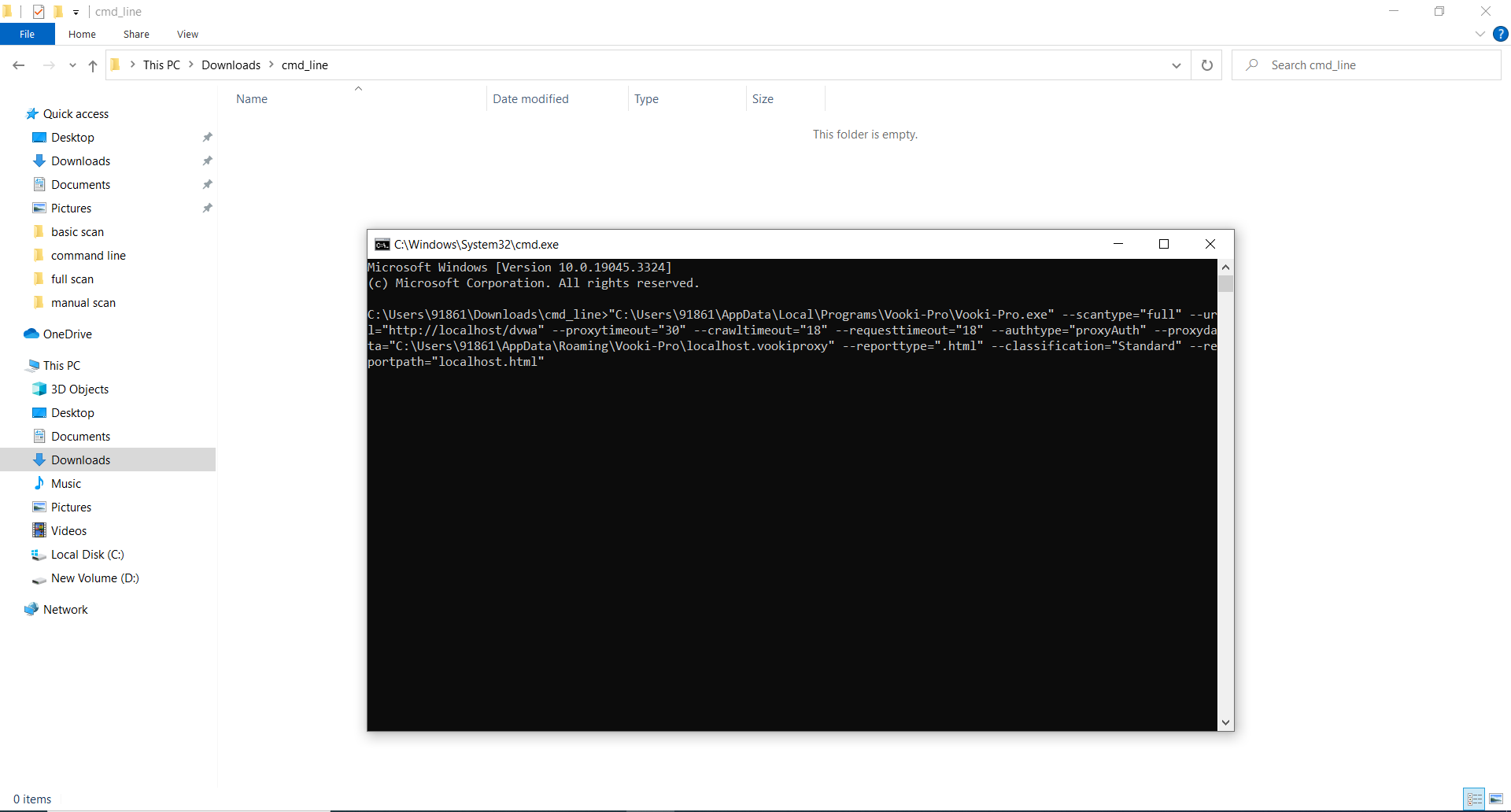
- Create or choose any folder on your machine and open Terminal in it.
- Paste the scan command and hit Enter.
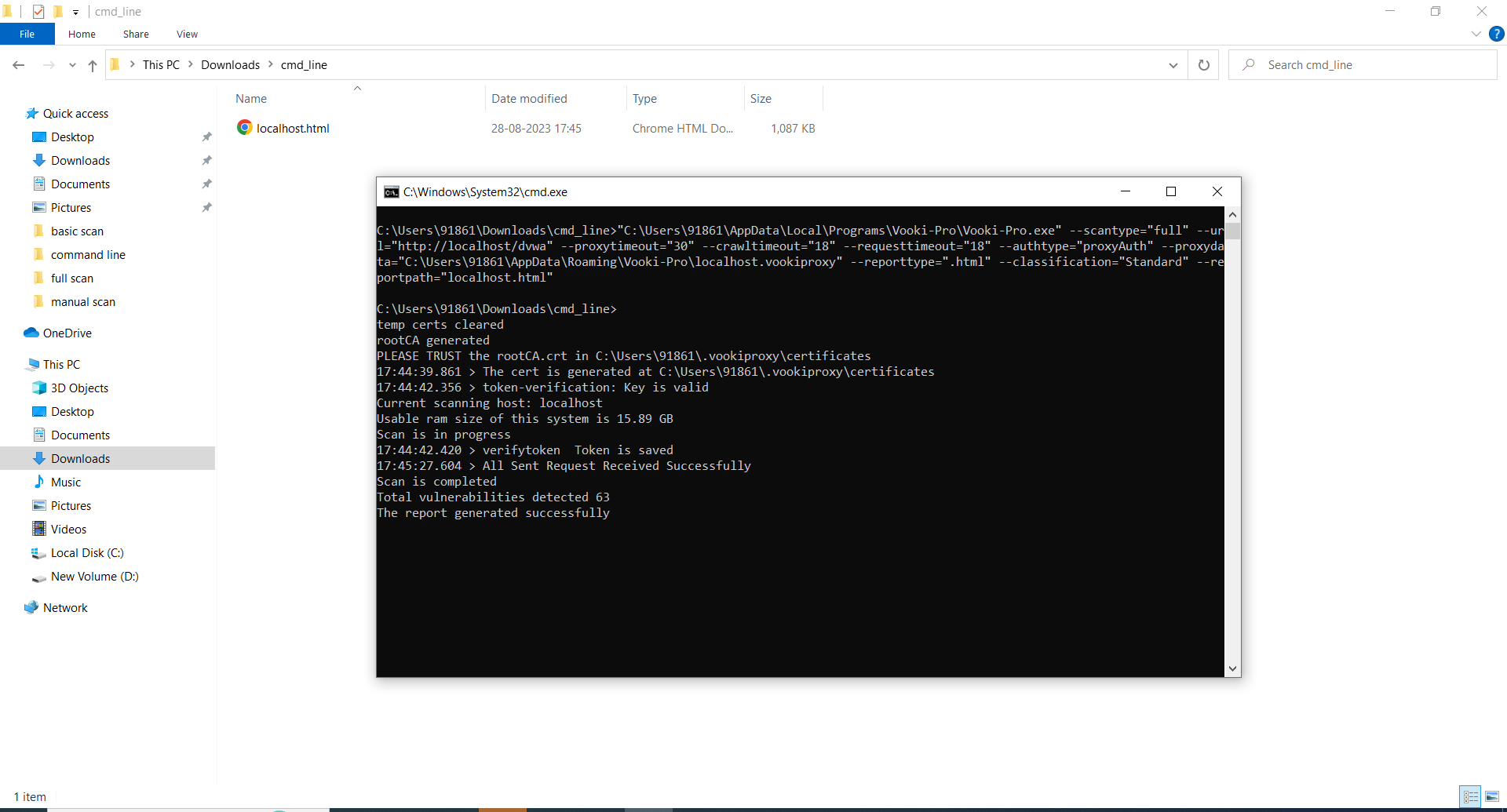
- Report will be generated and stored in the same folder