Domain & Host scanner
The Domain & Host scanner scans your entire website and gets various significant information about open ports, servers, DNS information, web archives, the geolocation of the server, and "Whois" data.
How to use?
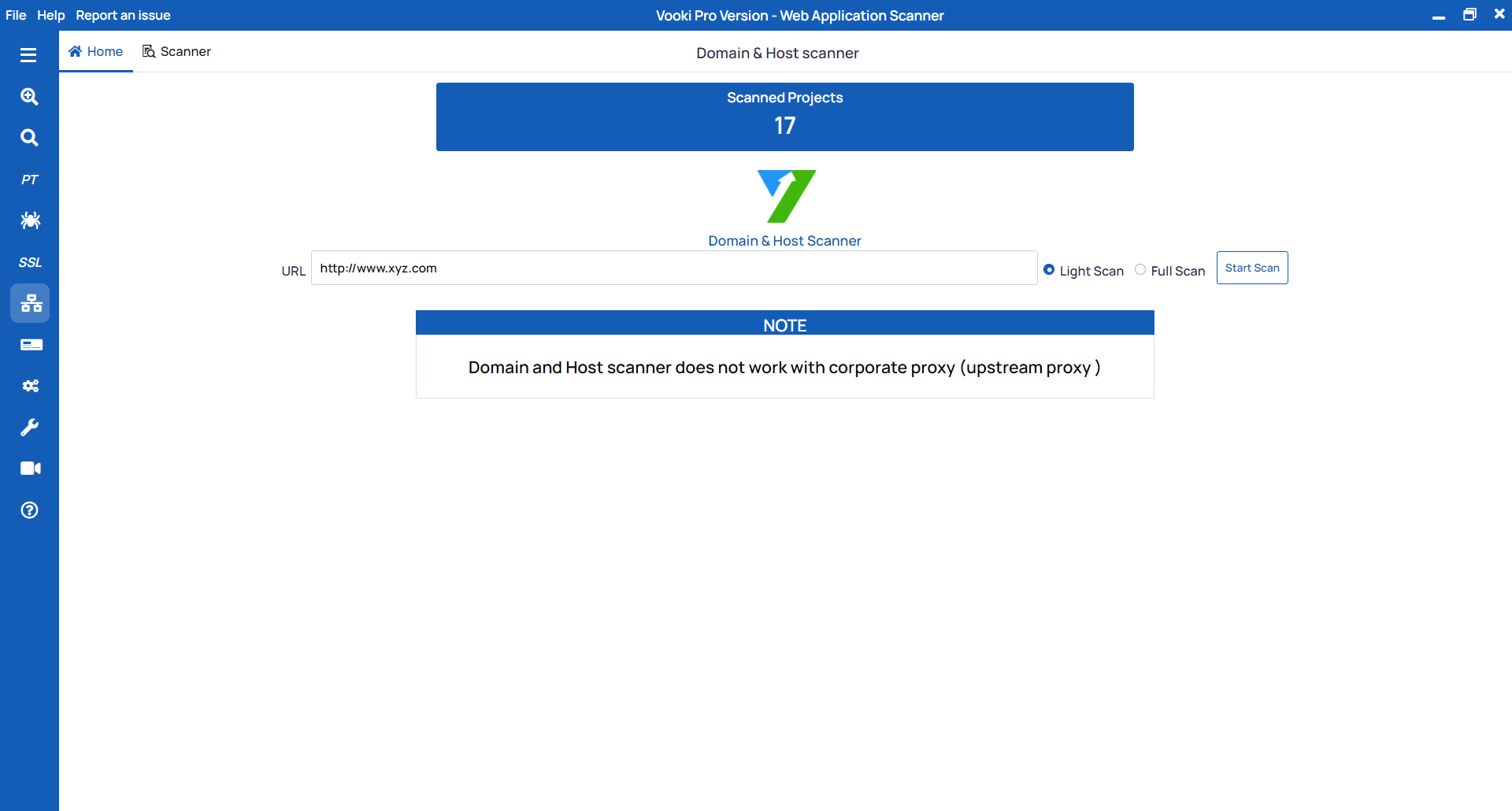
- Choose the Domain & Host Scan option from the left navigation bar.
- Enter the URL that you want to scan.
- Select the mode and then click Scan.
In Domain & Host Scanner, we have two modes:
- Light Scan
- Full Scan
Light Scan: In light scan mode, we only scan a few open ports.
Full Scan: In full scan mode, we scan a larger number of ports.
After the scan is completed, you can see the details in the Scanner tab.
Watch the video demo of How to use Domain & Host Scanner